
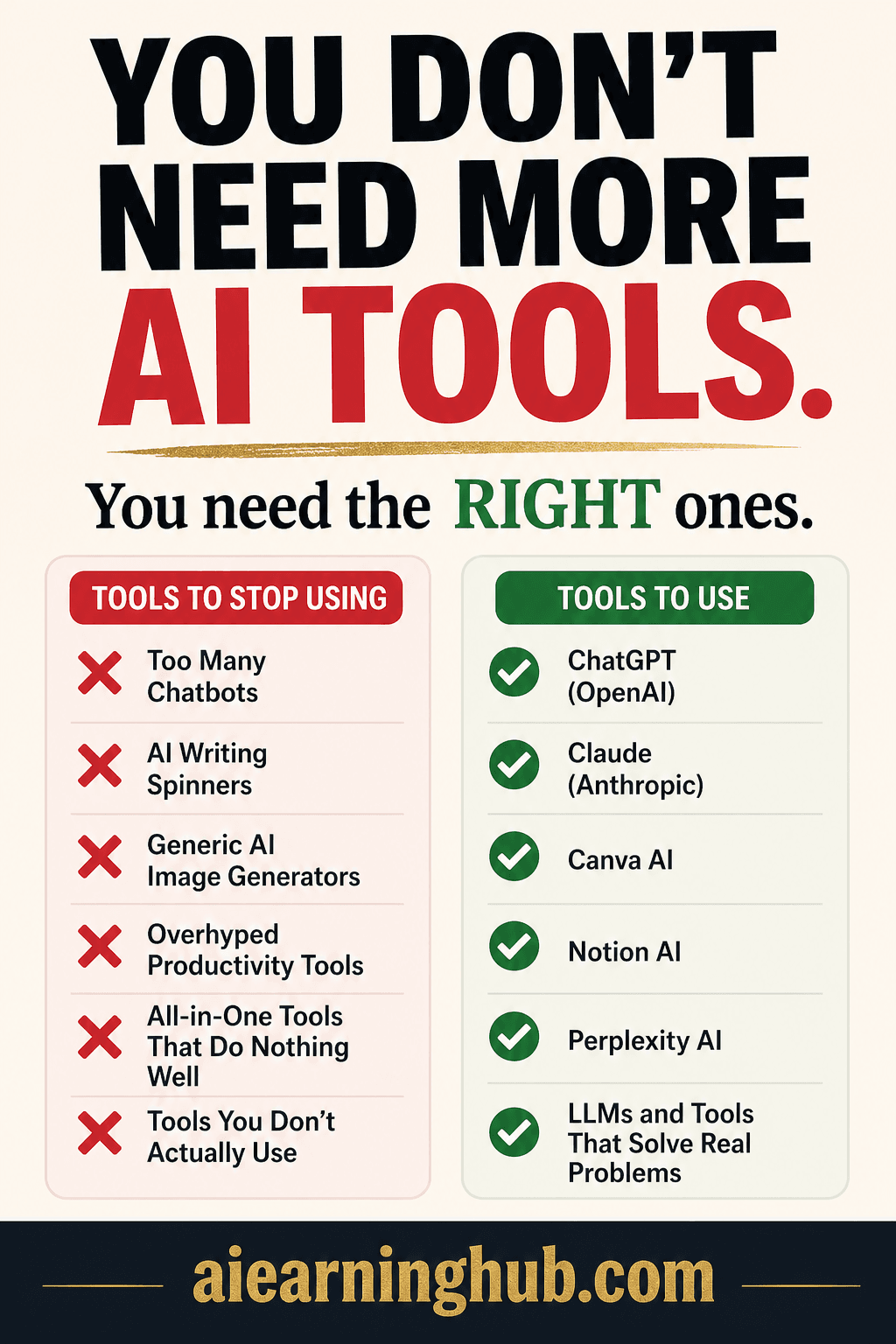
Too Many AI Tools? Here’s How to Pick the Right Ones
Stop paying for subscriptions that don’t deliver results. This guide gives you the exact framework — and the exact $55/month stack — to cut the chaos and actually move your business forward.
You signed up for ChatGPT. Then Jasper. Then Copy.ai. Then Notion AI. Then Canva AI. Then three more tools your competitor mentioned in a YouTube comment.
Now you have 11 browser tabs, four half-finished dashboards, and zero clarity on what’s actually moving your business forward.
This is called AI tool sprawl — and in 2026, it’s one of the biggest silent killers of small business productivity.
The good news? You don’t need more tools. You need the right tools — matched to your actual business problems. This guide gives you a simple framework to choose, use, and profit from AI tools without the overwhelm.
Why AI Tool Sprawl Is Costing You Money
Here’s what no one talks about: every new AI tool you add has a hidden cost.
Learning curves, onboarding, and testing for every new tool you add steals hours you don’t have.
Subscriptions stack fast. $20 + $49 + $29 + $39 = $137/month before you even notice.
The more tools you manage, the less you use any of them well. Fragmented attention kills results.
The real problem isn’t the tools. It’s using tools before solving this question: What specific, repeatable business problem am I trying to fix?
Once you answer that, picking the right tool becomes obvious.
Step 1: Map Your Problems First
Before you download anything, write down the top 3 tasks eating the most time in your week, or producing the weakest results for the effort you put in.
Most common problems small business owners report in 2026:
| Problem | Category |
|---|---|
| Writing content takes too long | Content & Marketing |
| Emails pile up and responses are slow | Communication |
| Social media presence is inconsistent | Marketing |
| Customers ask the same questions repeatedly | Support |
| I can’t track what’s actually working | Analytics |
| Design always looks unprofessional | Creative |
Pick your top 3. That’s where AI should go first — nowhere else.
Step 2: The Right Tool For Every Job
Here’s a clean, no-fluff breakdown by business function — with the best tool for each one.
The most versatile starting point for small business owners. Draft blog posts, write email sequences, brainstorm product ideas, and simulate customer Q&As — all in one tool.
- Draft blog posts and articles in minutes
- Write email sequences and newsletter content
- Brainstorm product ideas and headlines
- Simulate customer Q&As to find real objections
Also worth trying: Jasper AI — learns your brand voice over time. Best for businesses publishing 10+ pieces per month. Starts at $39/month.
The top free all-around design tool for small businesses — social media graphics, flyers, email headers, and ads without a designer.
- Drag-and-drop templates that look genuinely professional
- AI background remover — saves hours of editing
- Magic Design generates full layouts from your content
- Brand Kit keeps colors and fonts consistent everywhere
When to add more: If your business is visually heavy — ecommerce, hospitality, premium services — add Adobe Firefly for cleaner commercial image generation.
In 2026 Grammarly acts as a real-time communication coach — flagging tone, clarity, and engagement issues before you hit send. For small teams where one poorly-worded client email can lose a deal, this matters.
Use ChatGPT to draft. Use Grammarly to refine tone and polish before sending.
HubSpot’s free CRM is the smartest starting point for managing leads, follow-ups, and a sales pipeline. The AI Breeze features handle lead scoring and call summaries automatically.
- Contact management and deal pipeline tracking
- Email sequencing and follow-up automation
- AI lead scoring and interaction summaries
For micro-teams: Agile CRM combines sales, marketing, and helpdesk with a free tier supporting up to 10 users.
If customers ask the same 10 questions repeatedly, you’re wasting hours every week. Tidio’s AI chatbot — trained on your FAQ — handles them automatically 24/7. Setup takes under an hour.
AI can cut your video production time by 60%+ when you use the right combination of tools together.
- ChatGPT — scripts, titles, and description copy
- CapCut AI — automatic captions, transitions, and edits
- Pictory — converts blog posts into videos automatically
Otter.ai transcribes calls automatically and produces AI summaries with action items — no more scrambling after calls. Notion AI plugs into your workspace to write, summarize, and manage projects without switching apps.
Step 3: The One Tool Per Problem Rule
Here’s the framework that will save you from sprawl permanently:
Don’t stack tools on the same problem. Don’t add a second tool until the first one is working. Don’t pay annual until you’ve used it for 60 days.
Most business owners skip this. They add tools faster than they learn them and nothing ever gets fully implemented. The businesses winning with AI in 2026 aren’t using the most tools — they’re using fewer tools, more deeply.
Step 4: Your Lean $55/Month AI Stack
A complete AI-powered operation for less than a single freelancer’s hourly rate.
| Tool | What It’s For | Monthly Cost |
|---|---|---|
| ChatGPT Plus | Content, emails, strategy | $20 |
| Canva Pro | Design & visual content | $15 |
| Grammarly Pro | Communication polish | $12 |
| HubSpot CRM | Lead & pipeline management | FREE |
| Otter.ai | Meeting transcription | FREE |
| Notion AI | Workspace & writing | $8 |
| Total Stack | Replaces $1,000+/mo in freelance costs | ~$55/mo |
The Tools to Avoid Right Now
Just as important as what to use is what not to use when you’re starting out.
- ❌ All-in-one platforms that do “everything” — They usually do nothing well. Build with best-in-class point solutions instead of bloated platforms.
- ❌ AI tools with no free trial — Any legitimate AI tool in 2026 offers at least a 7-day trial. No trial is a red flag — always test before paying.
- ❌ Tools requiring a developer to set up — Unless you have a developer, skip it. If it’s not usable in 20 minutes it’s not worth your time right now.
- ❌ Trendy tools with no proven use case for your business — Ask: “What specific task does this replace?” If you can’t answer in one sentence, you don’t need it yet. Novelty is not ROI.
If a tool can’t show you a measurable before/after in your workflow within 2 weeks, move on without guilt.
How to Turn This Knowledge Into Income
Once you know how to pick and stack AI tools for a specific business type, you can sell that expertise three ways.
Audit a small business’s current tools. Build them a lean stack. Most owners will gladly pay someone they trust to cut through the chaos.
Create niche AI stack guides and sell on Gumroad. One guide can sell hundreds of times with zero ongoing work after publishing.
Most AI tools have affiliate programs. Write honest reviews, earn recurring commissions every time someone signs up through your link.
Less Chaos. More Clarity. More Money.
The AI tools arms race is over. The businesses winning in 2026 aren’t the ones with the most subscriptions — they’re the ones who picked 5–7 tools strategically, implemented them deeply, and stayed consistent.
- List your top 3 business problems this week — be specific, not vague
- Match one tool to each problem using this guide as your reference
- Run each tool for 30 days before adding anything new to your stack
- Track time saved and revenue impact — if it’s not measurable, drop it
grab the cheat sheet.
5 pages. 15+ tools. The full $55/month stack in one printable PDF.
One good tool decision pays for it in the first month.